How To Extract RAR Archives In Debian
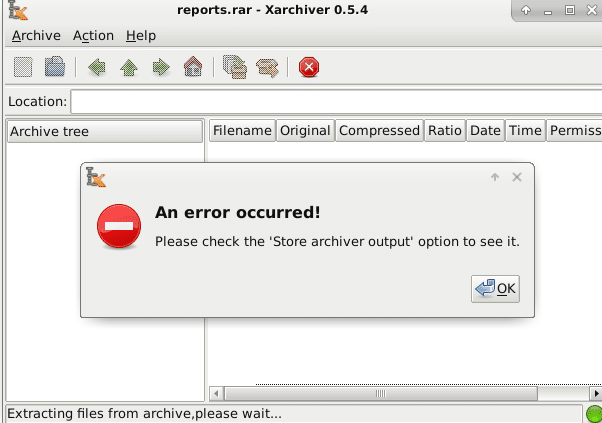
Xarchiver the default archive management tool that comes with Debian Stretch won’t open .RAR files as it is a proprietary file format.
(An earlier article described how to enable installing non-free software in Debian).
So, here is how to extract such archives :
First install a tool :Â unrar-free from the Terminal :
[cc lang=”bash”]
sudo apt install unrar-free
[/cc]
Once installed, specify the name of RAR archive that needs to be extracted :
[cc lang=”bash”]
unrar-free filename.rar
[/cc]
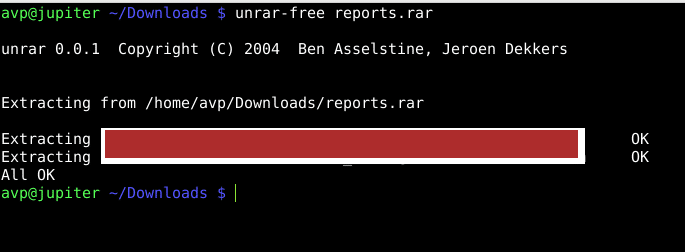
This will extract the contents in the current directory. To extract it to a different location, add the destination path next to the archive name :
[cc lang=”bash”]
unrar-free filename.rar destinationpath
[/cc]

To view the contents of RAR archives before extracting, use the -t parameter :
[cc lang=”bash”]
unrar-free -t filename.rar
[/cc]
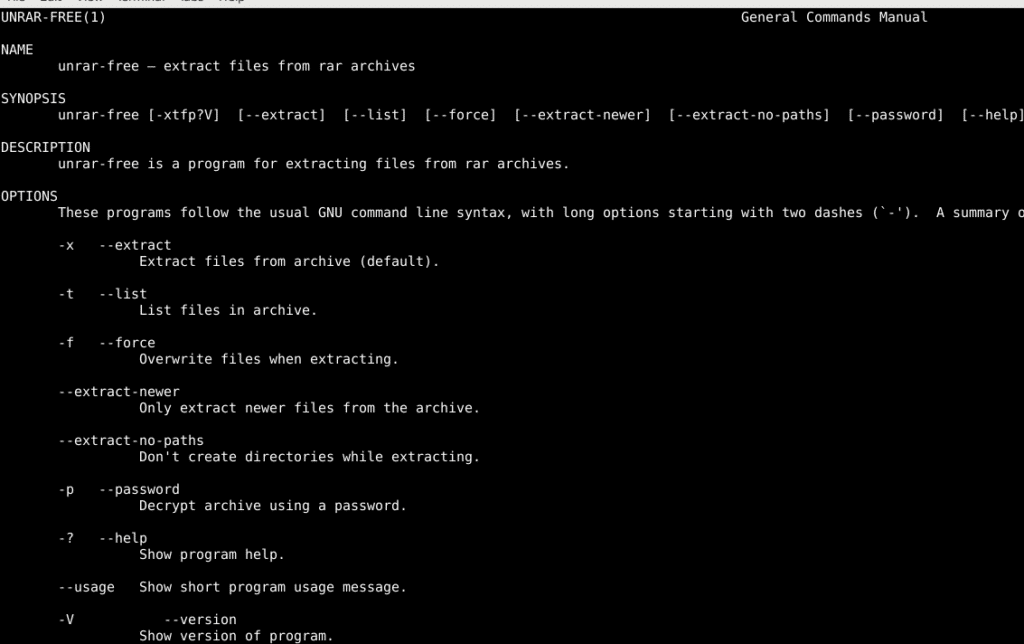
The usage of unrar-free is simple and can be viewed using man pages :
[cc lang=”bash”]
man unrar-free
[/cc]
All done.


