Quickly Find Out Network Adapter Info Through Linux Mint/Ubuntu Terminal
Here is a quick way to find out what type of ethernet and wireless adapter is present in the system running Linux Mint/Ubuntu:
1. Open Terminal and for finding the manufacturer details of ethernet adapter (LAN adapter) present, type :
[cc lang=”bash”]
lspci|grep Ethernet
[/cc]

This will display the details of the LAN adapter present.
2. To find the info about wireless adapter, type :
[cc lang=”bash”]
lspci|grep Network
[/cc]

What the command “lspci” basically does is list all the PCI related devices present in the system, simply piping the “Ethernet” and “Wireless” parameters through grep with lspci will only display the info we want.
As with any other Linux command, to know more of the functionality offered by lspci, type :
[cc lang=”bash”]
man lspci
[/cc]
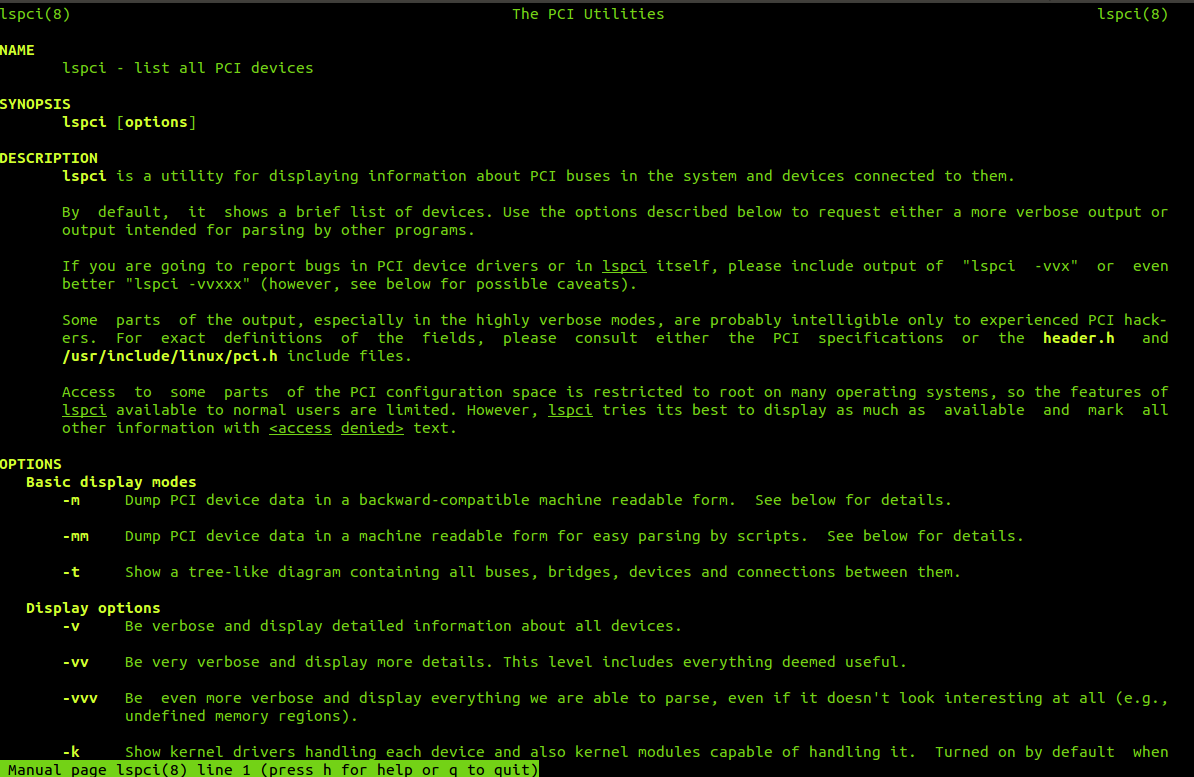
Read the manual pages and use them to do cool stuff. :)Â This is the elegance of Linux command prompt (Terminal).
Cheers.