Skip to content

I Have A PC

Tech Tips and How-To's Since 2010
Menu
  • Home
    • Tech
    • Apps
    • Misc
    • Linux
    • Windows
  • Giveaways and Freebies
  • Free Stuff
  • Sitemap
  • Copyright Policy
  • Cookie Policy
  • Contact
  • About
HomeLinuxLinux MintHow To Install And Use Facebook Web App In Linux Mint / Ubuntu

How To Install And Use Facebook Web App In Linux Mint / Ubuntu

August 9, 2011

Here’s how to install and use Facebook Web App in Linux Mint / Ubuntu:

1. Issue the following command at the terminal –

sudo apt-get install prism-facebook

sudo apt-get install prism-facebook

Prism-Facebook installation complete in Linux Mint / Ubuntu

2. After the installation is complete, click on ‘Menu>Internet>Facebook’ to start the Web App.

Starting Prism-Facebook Web App

3. Now use your Facebook credentials to login.

Logging in to Facebook with Prism-Facebook

For security, select ‘Never for This Site’ when prompted by application for remembering the password.

Logging in to Facebook with Prism-Facebook

4. Enjoy Facebook with Prism-Facebook Web App!

Using Facebook with Prism-Facebook Web App


Tags:Facebook, facebook web app, facebook web app for linux mint, facebook web app for ubuntu, Linux Mint, prism-facebook, Ubuntu

Related Posts

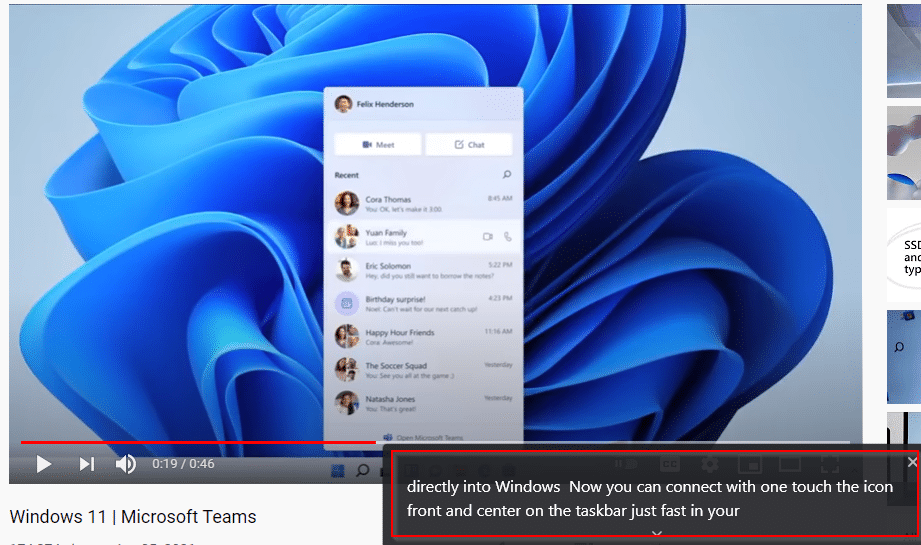
How To Enable The Live Caption Feature In Google Chrome
OneNote logo

Translate OneNote Notebook Pages In Different Languages

Air Playit server interface

Stream Audio/Video To Mobile Devices Using Air Playit

About The Author

admin

2 Comments
  1. deadman90

    For future reference, Prisim, much like this post, is old and obsoleted 🙂 it was intended as a way that more or less gave users an icon to put on the desktop that only opened and used one ‘application’ (website). The intent was to give sites like Gmail a face and psuedo-presence on the computer, i.e. an icon, like Outlook. Eventually Mozilla shelved it because of… um… not sure.

    May 21, 2012
  2. DarkDuck

    application prism-facebook not found in my (X)Ubuntu.
    Do you use special repository?

    January 20, 2012
  • Bluesky
  • Email
  • Facebook
  • Twitter
  • YouTube

Free E-books

Linux Command-Line Cheatsheet
Linux Command-Line Basics
Linux Shell Scripting Primer

Free GWS Trial

Try Google Workspace free for 14 days

Archives

  • Bluesky
  • Email
  • Facebook
  • Twitter
© 2026 I Have A PC | WordPress Theme by Superb WordPress Themes
Back to Top ↑