How To Enable Tab Previews For Firefox 6 In Windows 7
August 17, 2011
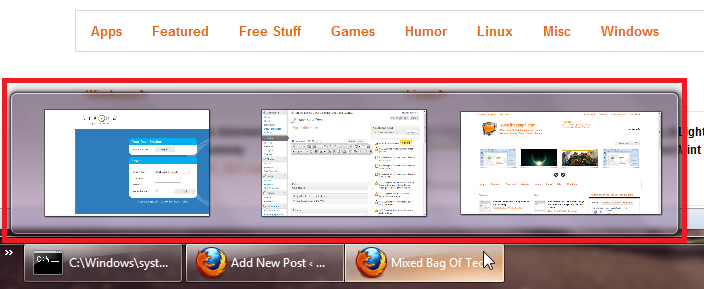
Here’s how to enable tab previews for Firefox 6 in Windows 7:
1. Click on ‘Firefox>Options’.

2. Now, click on ‘Tabs’ and ensure that the option ‘Show tab previews in the Windows taskbar’ is selected. Click ‘OK’ when done.

3. That’s it! You have successfully enabled Firefox 6 tab previews in Windows 7.