How To Prevent Firefox 5 From Storing History Of Visited Websites
July 27, 2011
Here is how to prevent Firefox from remembering your website history :
1. Select Tools > Options.

2. Under Privacy tab, select Never remember history and click Ok.

From now on, Firefox 5 will stop remembering your visited websites list.
By the way, if you like using add-ons, here is a cool add-on that does the above and some more.
Cheers.

Easily Create Websites Using BlueGriffon
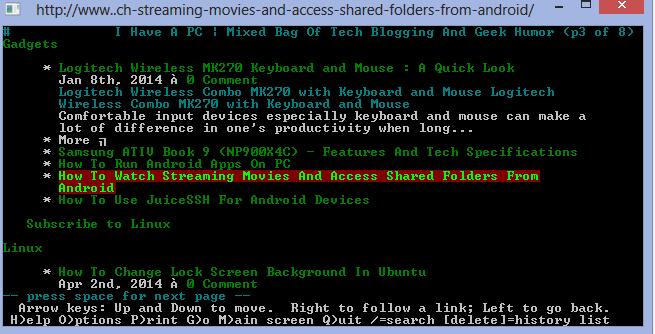
Surf The Internet Old School Way By Using Lynx For Windows

How To Create A Bootable USB Using LinuxLive USB Creator
7 Comments
You can use CCleaner to remove everything if required. It is free and easy to use.
http://www.piriform.com/ccleaner
Hope this helps.
Trust me i tried everything ,but it still shows my history ..grrr
can i remove it from there ?? lol maybe in the next version of firefox 🙂
Anett – You can try selecting “use custom settings for history” from same list and then removing the tick mark next to “remember my browsing history”.
Hi there,
I tried all the things to set my firefox on ” never show history” and it’s still showing them ,am i missing something ?
Anett – You can try changing “never show history” to “use custom settings for history” and remove checkmark next to “remember my browsing history”.
@ Internet parental control : You can do that or use private browsing mode in Firefox.
I guess I’ll be manually deleting history to prevent the disk form ‘overflowing’ until FF is updated to allow real history control by the user.