JDownloader is an awesome and free download manager that supports a large number of file sharing websites.
Here is how to install it on Linux Mint / Ubuntu :
1. First add the appropriate jdownloader PPA by opening Terminal and typing :
sudo add-apt-repository ppa:jd-team/jdownloader
2. Next update the Linux Mint / Ubuntu repository by typing :
sudo apt-get update
3. Finally install the jdownloader application :
sudo apt-get install jdownloader
Note : if you try to directly install using step 3, it won’t be recognized as the jdownloader repository by default is not added to Ubuntu and Linux Mint, hence the first two steps are required to do that.
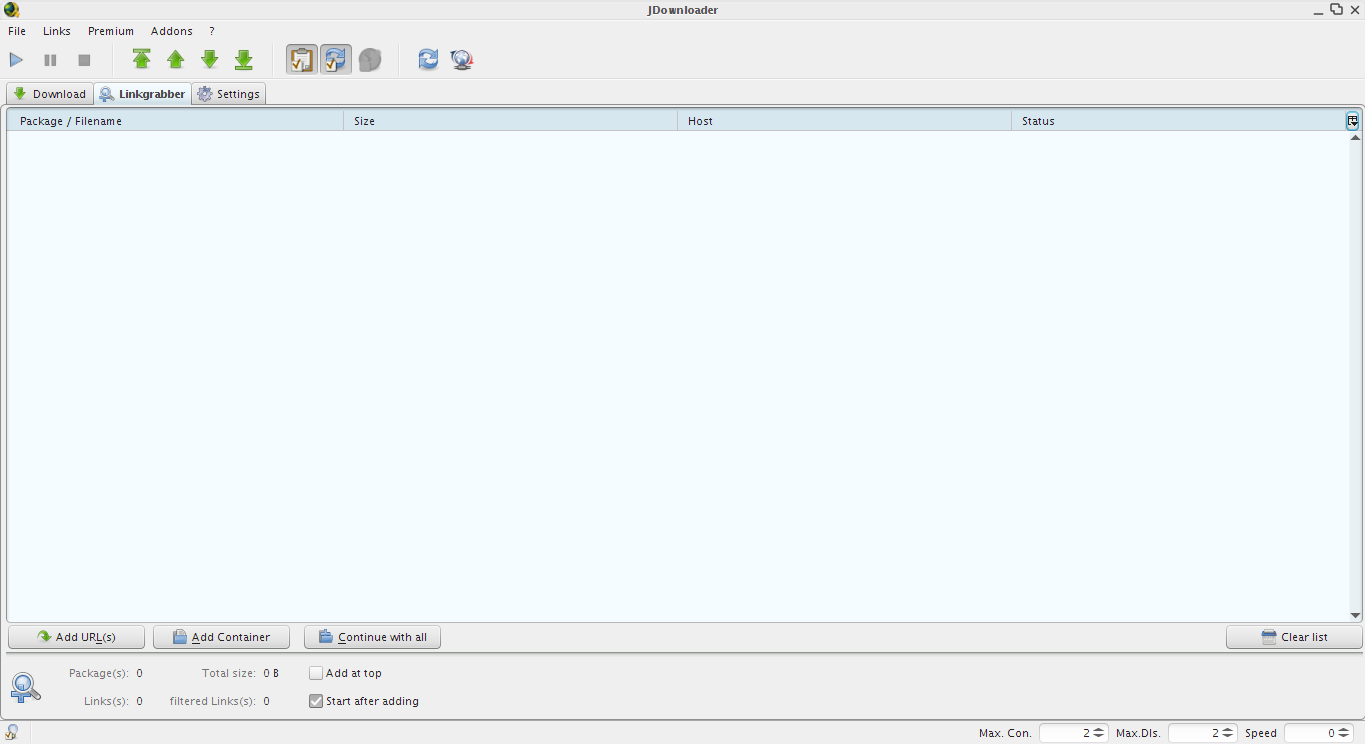
This will install it and then launch the web update, once update is complete get ready to download stuff using the cool JDownloader from within Linux Mint / Ubuntu 🙂
Happy downloading.


how can i install jdownloader in joli os? sudo add-apt-repository ppa:jd-team/jdownloader giving errors.
yurmuki@yurmuki-jolicloud:~$ sudo apt-get install jdownloader
[sudo] password for yurmuki:
Reading package lists… Done
Building dependency tree
Reading state information… Done
E: Couldn’t find package jdownloader
yurmuki@yurmuki-jolicloud:~$ sudo apt-get update jdownloader
E: The update command takes no arguments
yurmuki@yurmuki-jolicloud:~$ sudo apt-add-ppa repository: jd-team/jdownloader
sudo: apt-add-ppa: command not found
yurmuki@yurmuki-jolicloud:~$ sudo apt-add-ppa repository:jd-team/jdownloader
sudo: apt-add-ppa: command not found
yurmuki@yurmuki-jolicloud:~$ sudo apt-add-repository ppa:jd-team/jdownloaderTraceback (most recent call last):
File “/usr/bin/apt-add-repository”, line 40, in
sp = SoftwareProperties(options)
File “/usr/lib/python2.6/dist-packages/softwareproperties/SoftwareProperties.py”, line 90, in __init__
self.reload_sourceslist()
File “/usr/lib/python2.6/dist-packages/softwareproperties/SoftwareProperties.py”, line 538, in reload_sourceslist
self.distro.get_sources(self.sourceslist)
File “/usr/lib/python2.6/dist-packages/aptsources/distro.py”, line 90, in get_sources
raise NoDistroTemplateException(“Error: could not find a ”
aptsources.distro.NoDistroTemplateException: Error: could not find a distribution template
yurmuki@yurmuki-jolicloud:~$ sudo add-apt-repository ppa:jd-team/jdownloader
Traceback (most recent call last):
File “/usr/bin/add-apt-repository”, line 40, in
sp = SoftwareProperties(options)
File “/usr/lib/python2.6/dist-packages/softwareproperties/SoftwareProperties.py”, line 90, in __init__
self.reload_sourceslist()
File “/usr/lib/python2.6/dist-packages/softwareproperties/SoftwareProperties.py”, line 538, in reload_sourceslist
self.distro.get_sources(self.sourceslist)
File “/usr/lib/python2.6/dist-packages/aptsources/distro.py”, line 90, in get_sources
raise NoDistroTemplateException(“Error: could not find a ”
aptsources.distro.NoDistroTemplateException: Error: could not find a distribution template
yurmuki@yurmuki-jolicloud:~$ sudo add-apt-repository ppa:jd-team/jdownloader^C
yurmuki@yurmuki-jolicloud:~$ ^C
yurmuki@yurmuki-jolicloud:~$
Thank you !!! works perfectly !!!
Thank you so much for this! Linux Mint is truly brilliant!
Thanks!