How To Install Firefox 5 In Linux Mint / Ubuntu
July 2, 2011
Here is how to install Firefox 5 on Linux Mint / Ubuntu :
1. Open Terminal and first add the corresponding repository by typing :
[cc lang=”bash”]
sudo add-apt-repository ppa:mozillateam/firefox-stable
[/cc]

2. Then update by typing :
[cc lang=”bash”]
sudo apt-get update
[/cc]

3. Finally install :
[cc lang=”bash”]
sudo apt-get install firefox
[/cc]

During the installation, hit N when prompted.

All done, once install is complete, you should see Firefox 5 installed on Ubuntu / Linux Mint.

By the way, this whole three step process of adding a repository, updating and installing the needed package is applicable to all applications which are not recognized by default in Ubuntu / Linux Mint.
Happy browsing using Firefox 5 on Ubuntu / Linux Mint.

Stream Worldwide Radio Stations In Firefox And Google Chrome
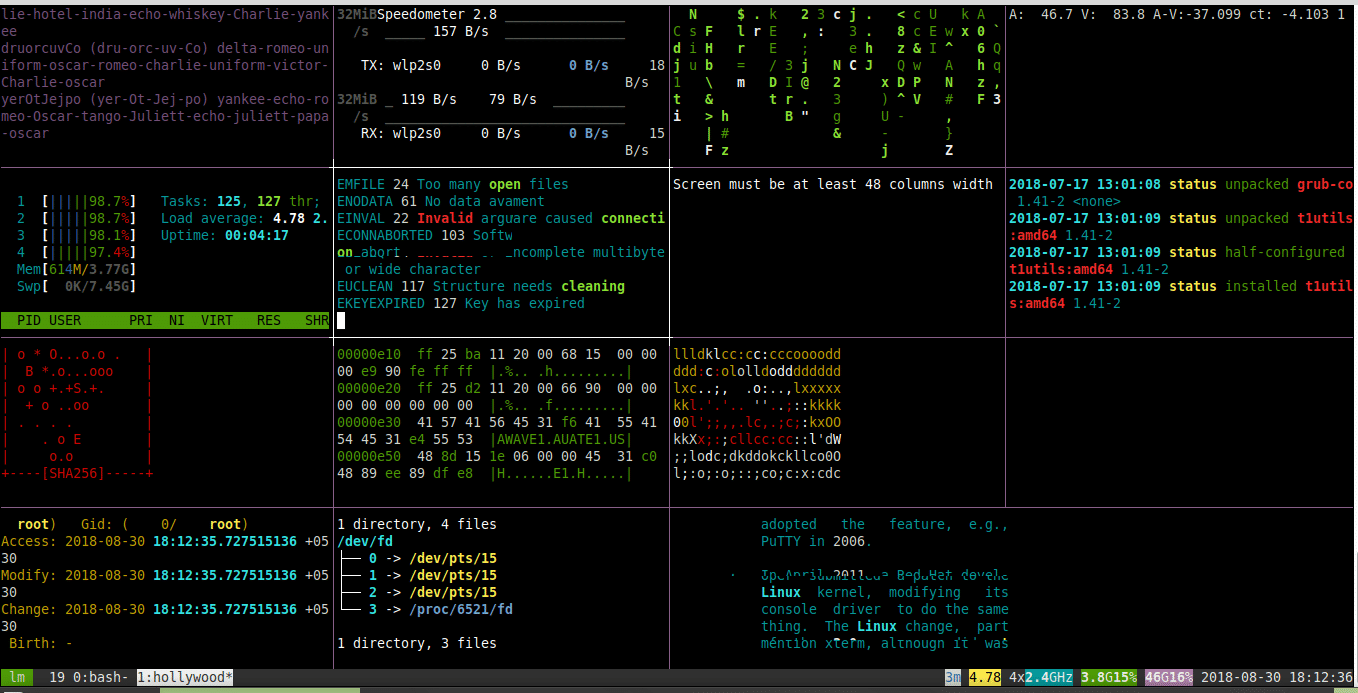
Transform Your Linux Mint/Ubuntu Terminal Into A Geek Screen Just Like In The Movies
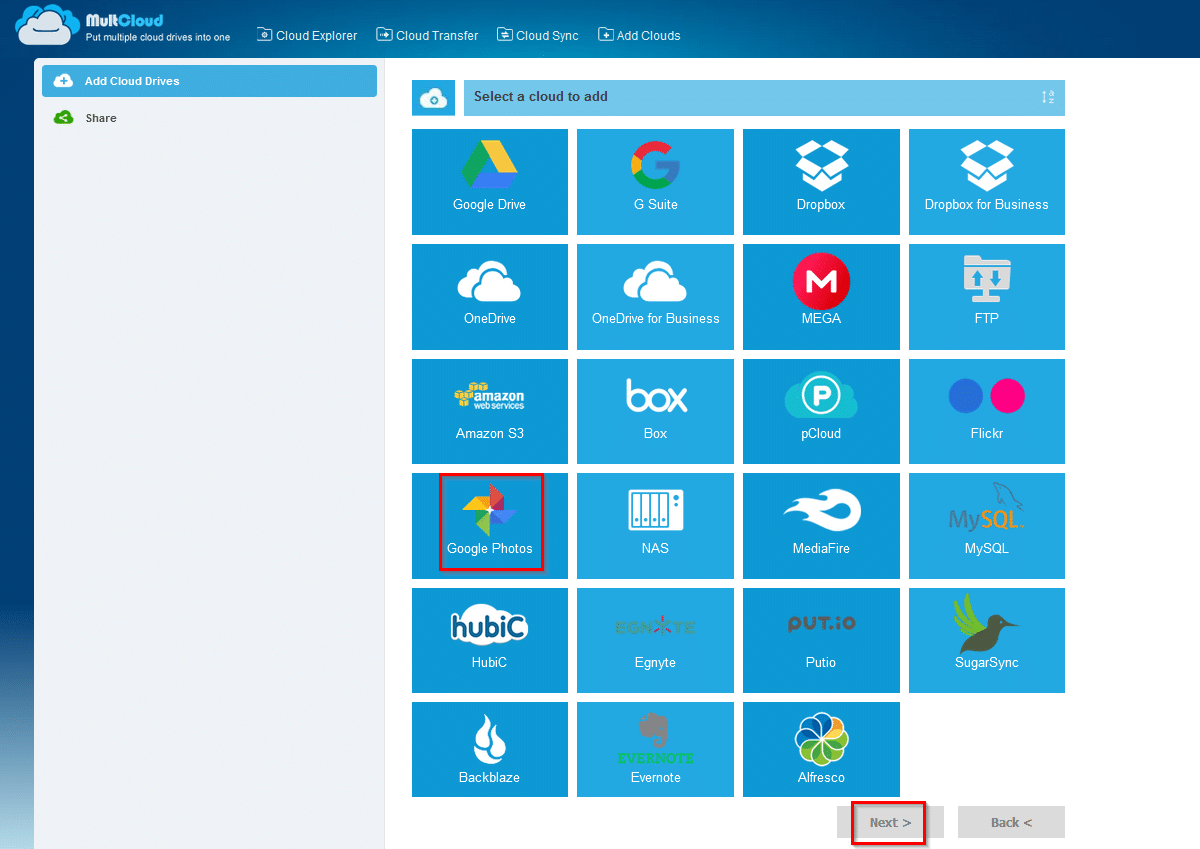
Easily Transfer Google Photos To Dropbox Using MultCloud
One Comment
This post is really helpful. Thanks for the tips it gives me more information about it.