Linux Mint / Ubuntu comes with a very convenient package manager that can keep the system up to date. By default, the list of packages that can be downloaded is set to user intervention in Synaptic Package Manager.
Here is how to change it so that it is done automatically :
1. Go to Menu > Administration > Synaptic Package Manager.
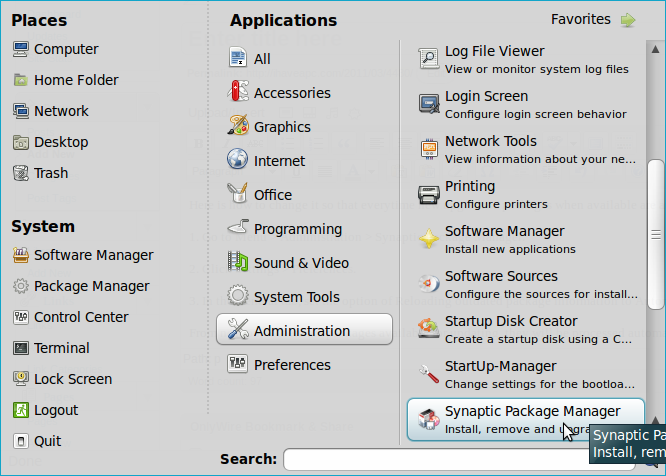
2. Click Settings > Preferences.

3. In the General tab, set the option of Reloading outdated package information to Automatically.

From now on, if there are packages available for updating, they will be processed automatically.
All done.


