How To Edit PDF Files In Linux Mint Using Open Office
February 26, 2011
Here is how to edit PDF files in Linux Mint using Open Office Word Processor :
1. First install the PDF import extension from the Terminal by typing : sudo apt-get install openoffice.org-pdfimport

2. Then, open Open Office Word Processor and verify if this PDF import plugin is correctly installed by going to Tools > Extension Manager

The PDF Import plugin should be listed there.

All done, open any PDF document through the Open Office Word Processor (File > Open), it would be available for editing using Open Office Draw.
Cheers.
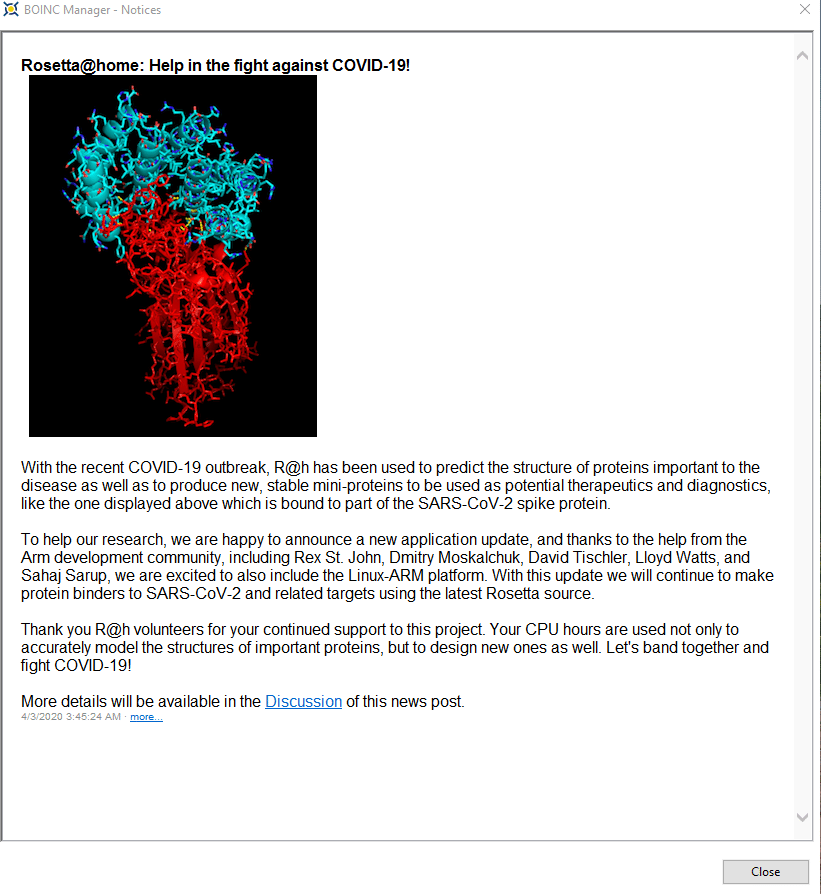
Volunteer PC Resources Using BOINC To Fight Against COVID-19

Stunning HD Wallpapers For Your Desktop #29

Need For Speed Most Wanted (2012) HD Wallpapers
2 Comments
When using libreoffice, install libreoffice-pdfimport otherwise it won’t work.
You must remove openoffice.org-pdfimport, if already installed.
Man, this was almost perfect. I imported a PDF, and was able to edit it, but notice that it looked slightly different… It didn’t import the header image from the original.
Argh.